
Stay on top of your card activity with Visa Purchase Alerts
Get fraud alerts Stay on top of your card activity with Visa Purchase Alerts
Help keep your card account safe with flexible, on-the-go purchase alert options from Visa.

Near real-time alerts for real peace of mind
Near real-time alerts for real peace of mind
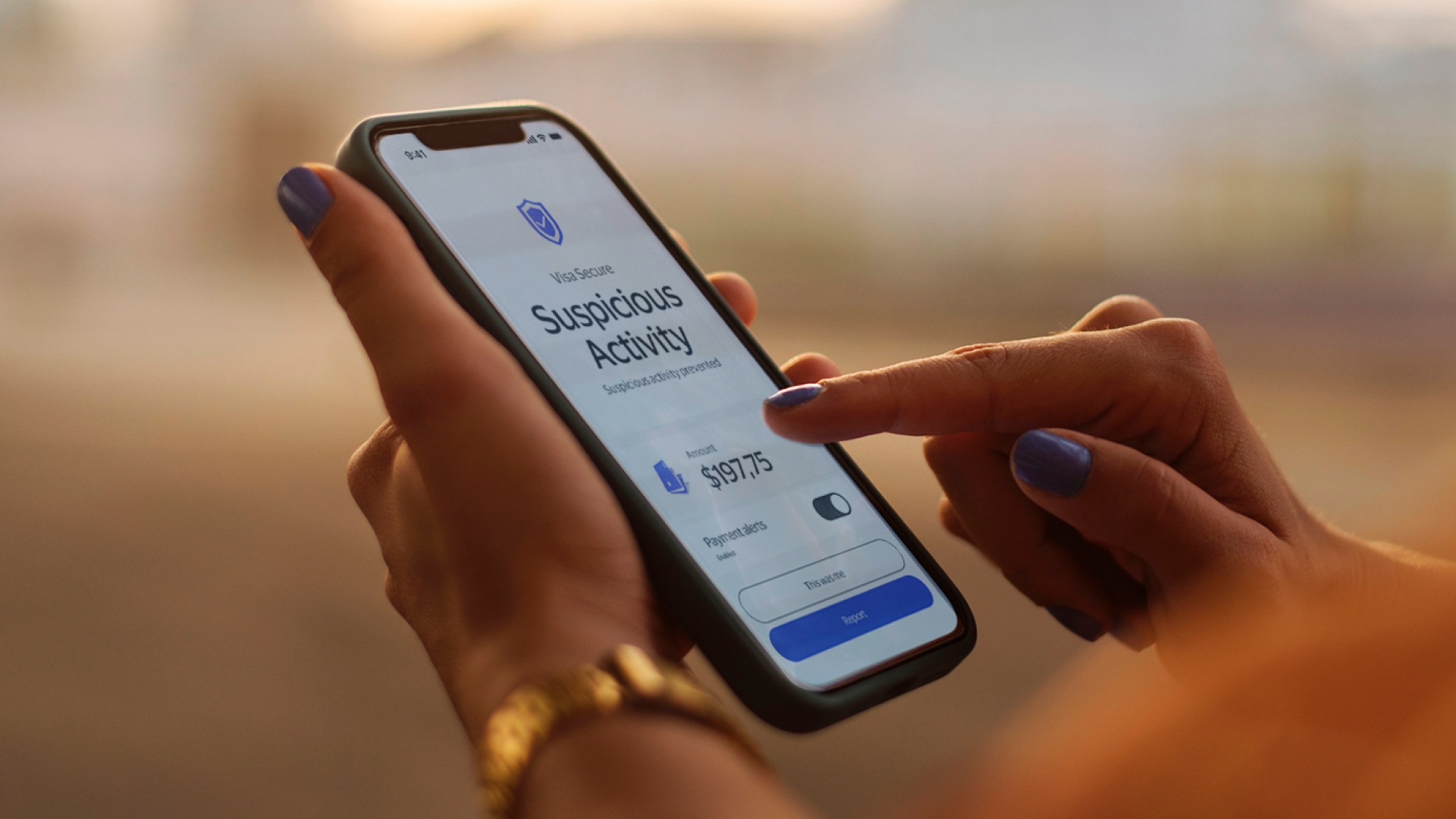
Customized purchase alerts from Visa help you identify potential fraud and manage your accounts seamlessly.1
Set when you want to be alerted
Set when you want to be alerted
Get near real-time transaction notifications to help you identify possible fraudulent activities as soon as they occur. You can select the alerts you’d like to receive when you enroll.
- Purchases made on the internet or over the phone
- Credit amount processed
- International purchases
- Reaching a purchase amount threshold
- Purchase declines
Enroll in 3 simple steps
Enroll in 3 simple steps
You’ll get near real-time alerts whenever Visa detects a purchase that meets the criteria you selected during enrollment.
Sources/Footnotes/Disclaimer
1.Purchase alerts limited to transactions routed through Visa.
2.Availability of SMS alerts subject to Visa account issuer discretion. Message and data rates may apply.
Frequently asked questions for Visa Purchase Alerts in Latin America & Caribbean
Frequently asked questions for Visa Purchase Alerts in Latin America & Caribbean
How it works, security and other questions
Why did I not receive a Visa Purchase Alert when I expected one?
Cardholders will receive Visa Purchase Alerts only when a transaction meets the triggers settings. If a transaction meets the trigger settings, but a Visa Purchase Alert is not received, it is possible that the particular transaction was not processed by Visa’s payment network, VisaNet. If it’s processed by another payment network, Visa will not be able to send Visa Purchase Alerts to cardholders. Only one Visa Purchase Alert will be generated and sent to you for each transaction, regardless of whether the transaction qualified for multiple alerts. International purchases for amounts less than “1” will not trigger an alert. Purchases for amounts less than “1” will not trigger an alert. International purchases for amounts greater than or equal to “1” will trigger an alert. Purchases made on the internet or over the phone for amounts greater than or equal to “1” will trigger an alert.
How do I stop receiving Visa Purchase Alerts via email?
To stop receiving Visa Purchase Alerts, simply change the notification settings in the “Settings” section of the Visa Purchase Alerts website. This option allows you to configure email settings specific to each card enrolled.
Can I receive Visa Purchase Alerts if I'm traveling internationally?
Customers can receive Visa Purchase Alerts via e-mail if they are traveling internationally.
How many Visa cards can I add to my account?
10 cards is the limit per your Visa Purchase Alerts account.
Why can’t I add more than one e-mail?
Visa Purchase Alerts currently allows only one unique email.
How do I associate an e-mail to my Visa Purchase Alerts account?
Visa Purchase Alerts will send a one-time-passcode to your e-mail address. Please enter that one-time-passcode into the Visa Purchase Alerts website when prompted and your e-mail will be associated to your Visa Purchase Alerts account. An email address can only be associated with one Visa Purchase Alerts account.
Can I associate a phone number to my Visa Purchase Alerts account?
At this time, Visa Purchase Alerts does not offer SMS text message alerts in Latin America and the Caribbean.
Why can’t I delete my e-mail?
For authentication and security purposes, Visa Purchase Alerts requires that each user account be associated with one unique e-mail address.
Can I change the e-mail associated to my Visa Purchase Alerts account?
Yes, you can change your e-mail at any time in the Profile Page at Visa Purchase Alerts website. Please note that all Visa Purchase Alerts will be sent to your previous e-mail until the change is completed.
How does Visa use my personal information?
You can find out everything you need to know about how Visa uses your personal information by clicking on the Privacy policy on the enrollment site.
How does Visa Purchase Alerts protect my card information?
Visa has a wealth of experience in handling sensitive information. Visa uses advanced security technologies to protect the information you store in the Visa Purchase Alerts service, including industry standard encryption and multi-layer authentication.
Why does Visa Purchase Alerts optionally require a billing address when I add my Visa card?
When adding a Visa card to Visa Purchase Alerts, it is a requirement to enter the zip code assigned to each card for authentication purposes. This will allow Visa Purchase Alerts to determine if each Visa card is valid and assist in authenticating the cardholder. Although recommended, not all issuers in LAC market have adopted billing address as authentication method into their systems. Therefore, Visa Purchase Alerts manages this field as optional.
Yes. You can Click to Pay with your Visa cards on internet-enabled mobile phones whenever you see this icon
 anywhere Visa is accepted.
Which Visa card products are eligible for Visa Purchase Alerts?
Most Latin America and Caribbean consumer credit, consumer debit, and reloadable prepaid Visa cards are eligible for Visa Purchase Alerts. However, not all cards are eligible because some Visa issuers offer their own transaction alerts service.
Is there a fee for using Visa Purchase Alerts?
Visa is offering Visa Purchase Alerts to consumers for free. Further details are available in the Terms and Conditions.
Who can I contact if I have questions about specific transactions?
To report suspicious activity or ask about specific transactions shown by Visa Purchase Alerts, please contact your card issuer, via the phone number listed on the back of your card or account statement.
How can I contact the Visa Purchase Alerts Customer Service?
Please email your inquiry to:For English: [email protected]