
Apple Pay with Visa in Kuwait
Apple Pay with Visa in Kuwait
Fast, Secure, Contactless
How to Add Your Card
How to Add Your Card
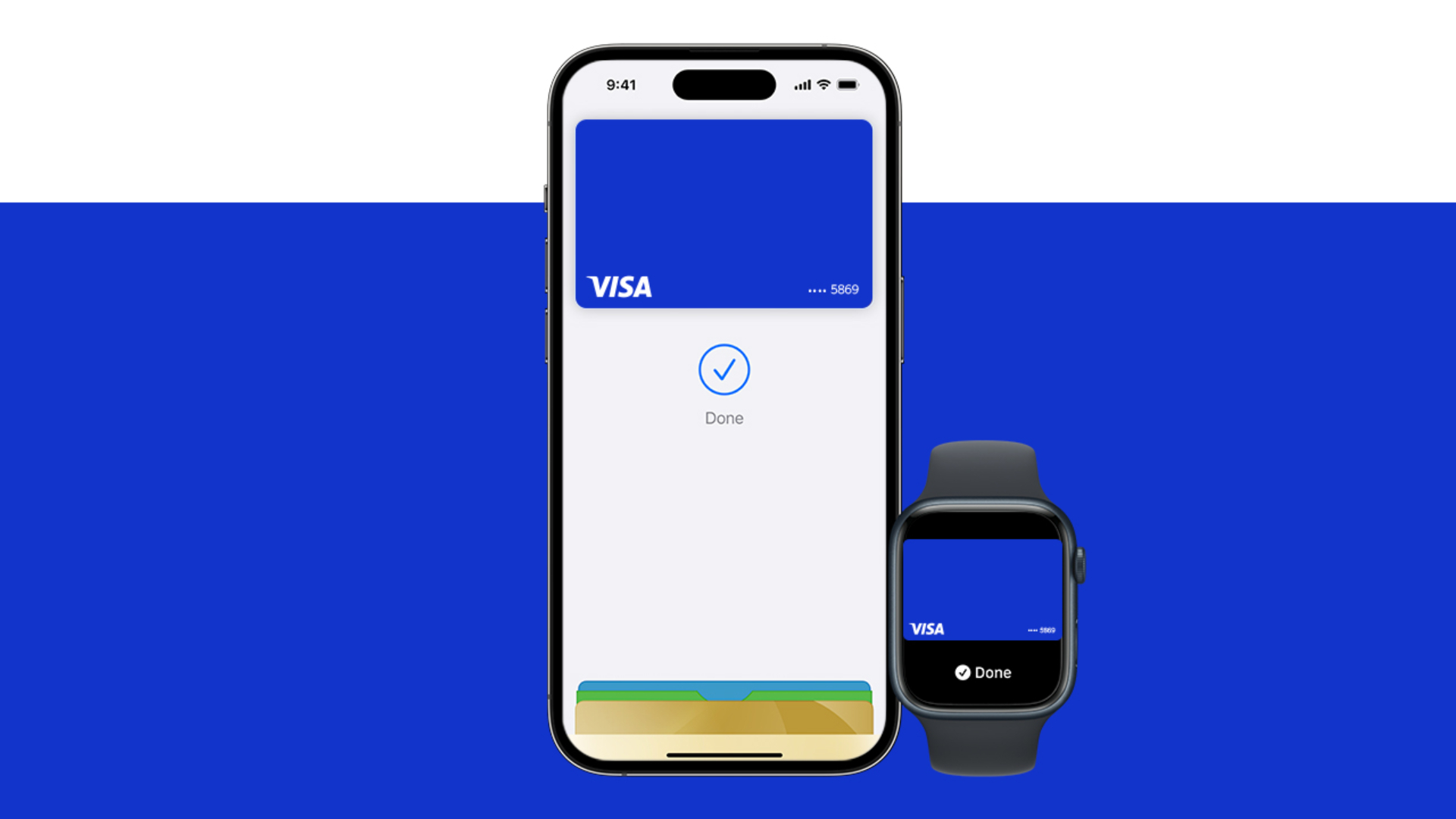
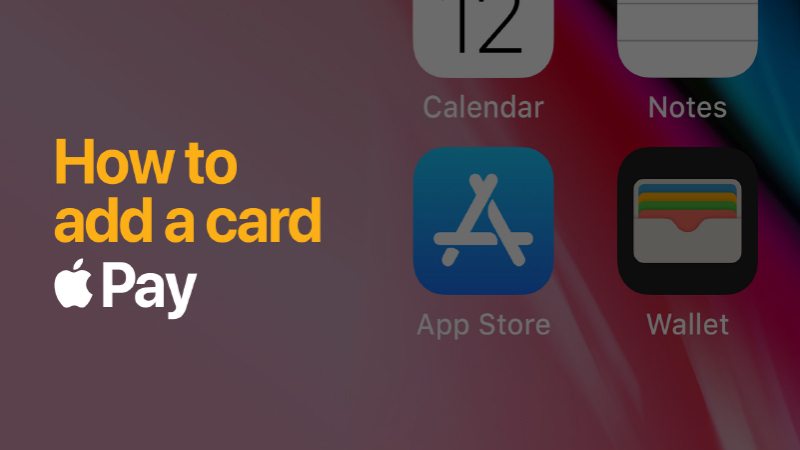
Open the Wallet app. Tap the “+” sign in the upper-right corner. Enter your card’s security code to add your credit or debit card affliated with your iTunes account. Or, select “Add a different card,” and use your iPhone camera to scan the card information.
Open the Apple Watch app on your iPhone. Tap “Wallet & Apple Pay” and select “Add Credit or Debit Card.” Enter your card’s security code to add your credit or debit card affliated with your iTunes account. Or, select “Add a different card,” and use your iPhone camera to scan the card information.
How to pay with your Visa Card on Apple Pay
How to pay with your Visa Card on Apple Pay
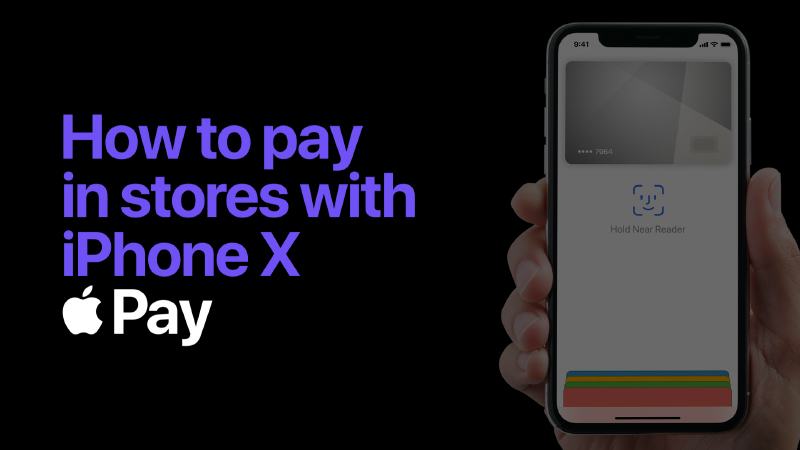
To pay with Face ID, double-click the side button, glance at your screen, then hold iPhone near the reader.
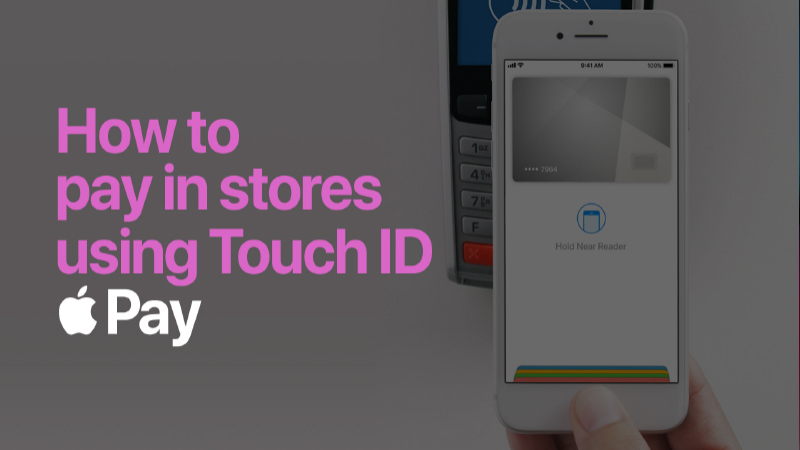
To pay with Touch ID, hold your iPhone near the reader with your finger on Touch ID.
On Apple Watch, double-click the side button and hold Apple Watch up to the reader.
To pay in apps and on websites in Safari on your iPhone and iPad, select Apple Pay at checkout and complete the payment using Face ID or Touch ID.
To pay on websites in Safari on your Mac, select Apple Pay and complete the payment using your iPhone or Apple Watch. On MacBook Pro, pay using Touch ID on the Touch Bar.
Seamless Checkout
Seamless Checkout
A simple touch lets you quickly checkout with your Visa card in stores, in apps and on the web. There is no need to take out your physical Visa card, just hold your iPhone near the reader after using Face ID or Touch ID. You will see “Done” on the display along with a beep, letting you know your payment information was sent.
Pay Securely
Pay Securely
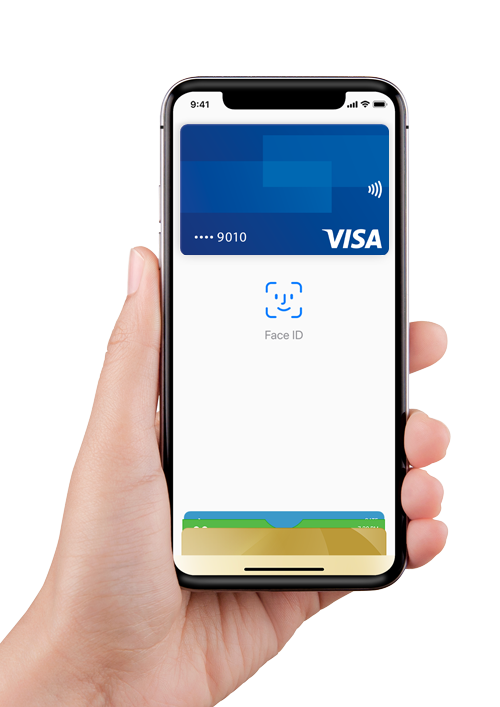
Apple Pay is the safer, more private way to pay. When you make a purchase, Apple Pay uses a device-specific number and a unique transaction code. Your full card number is never stored on your device or on Apple servers, and it can’t be shared with merchants. Apple Pay is private because it doesn’t keep transaction information that can be tied back to you.
Paying in stores, apps, and on the web has never been easier, safer, or more private.*
What can you buy with Visa on Apple Pay?
What can you buy with Visa on Apple Pay?
Lots of things.
FAQs
FAQs
How do I setup Apple Pay on my device?
To get started, open Wallet - you can add the Visa credit or debit card already linked to your iTunes account by simply entering the card’s security code then following the prompts. If you wish to add an additional Visa card, you can use your iPhone camera to capture your card information (or you can type it in manually) then follow the prompts. Please note that Apple Pay on the Apple Watch is not setup through Wallet - instead you can link your Visa cards to the Apple Watch app on the paired iPhone. An alert will be displayed on your Apple Watch once your Visa card is activated.Which devices are compatible with Apple Pay?
Apple Pay works with iPhone 6 and later in stores, apps, and websites in Safari, and with Apple Watch in stores and apps. Apple Pay also works with iPad Pro, iPad Air 2 and iPad mini 3 and later in apps and websites. Finally, Apple Pay works with Mac in Safari with an Apple Pay-enabled iPhone 6 or later or an Apple Watch.Where can I use Apple Pay?
Apple Pay can be used to tap to pay wherever Visa contactless payment is accepted - simply look for the Contactless Symbol on any point of sale terminal.
How do I make a payment with Apple Pay?
In-Store Purchase
To make an in-store purchase with your iPhone 6 or later, just hold your device near the contactless reader with your finger held to Touch ID - when your payment information has been sent, a visual / audible confirmation will be given by the card reader and your iPhone will gently vibrate and beep - you will see 'Done' and a checkmark on your iPhone display.To make an in-store purchase with your Apple Watch, double-click the side button then touch the face of your device to the contactless reader. When your payment information has been sent, a visual / audible confirmation will be given by the card reader and you'll feel a gentle tap to your wrist and hear a beep from your Apple Watch.
In-App Purchase
To make a purchase in-app with your compatible iPhone or iPad, select Apple Pay as the payment option in eligible apps and place your finger on Touch ID to send your payment.
What makes Apple Pay a secure way to pay through my Visa card?
Visa’s contactless payment, Token technologies and numerous unique security features built into the iPhone and Apple Watch, allow Visa cardholders to use Apple Pay in an easy, secure, and private way.
When you enrol your Visa card within Apple Pay, your payment card information (including the 16-digit account number found on the front of your Visa card) is substituted by Visa and your card issuer, with a Device Account Number that can be securely stored on Apple devices - and passed to merchants to process transactions you make with Apple Pay.
Apple’s Touch ID technology allows you to conveniently authenticate every payment you make to merchants through Apple Pay – using a simple touch of your finger to the compatible iPhone, iPad or Apple Watch.Can I use Apple Pay to make contactless payments when I am overseas?
Yes, Apple Pay can be used wherever Visa contactless payment is accepted. Simply look for the Contactless Symbol on any point of sale terminal.Do I need to be connected to the internet / my mobile network to use Apple Pay?
To make a contactless payment with Apple Pay, you do not need to be connected to the internet at the time of purchase. However, an active data plan will be required to use the service in full - based on your data plan and mobile carrier's offering, additional message and data charges may apply. Your card issuer’s terms and conditions will apply for all purchases made using Apple Pay.Can I remove my debit or credit card / Device Account Number from Apple Pay?
Yes, of course – this can be done through the Wallet app on your iPhone, iPad, or Apple Watch. If you remove a credit or debit card from Apple Pay, this will remove the Device Account Number for that card, from the service - you will still be able to continue to make purchases with your physical Visa card.How can merchants accept Apple Pay contactless transactions at point of sale or Apple Pay in-app?
Retailers:
Any merchant with a contactless payment terminal enabled for Visa contactless, is already able to accept Apple Pay – there is no change required to terminal or point-of-sale infrastructure in order to support services such as Apple Pay being used to make Visa mobile contactless payments.
Any merchant with a contactless payment terminal enabled for Visa contactless, is already able to accept Apple Pay – there is no change required to terminal or point-of-sale infrastructure in order to support services such as Apple Pay being used to make Visa mobile contactless payments.
- Fast: A better, quicker service for you and your customers
- Convenient: Reduce queues and avoid basket abandonment
- Secure: Less potential for till errors or fraud
- Future-proofed: Accepts all Visa contactless cards, tags, fobs, wearables and mobile solutions – including services such as Apple Pay
- General: More satisfied customers
In-app partners:
Merchants that wish to accept Apple Pay within their iOS app, can integrate the payment feature using Apple’s SDK.
For more information on the integration requirements for Apple Pay in-app payment functionality (and a list of Apple’s partner payment providers for this functionality), please visit https://developer.apple.com/apple-pay/
Sources/Footnotes/Disclaimer
*Apple Pay works with iPhone 6 and later in stores, apps, and websites in Safari; with Apple Watch in stores and apps; with iPad Pro, iPad Air 2, and iPad mini 3 and later in apps and websites; and with an Apple Pay enabled iPhone 6 or later or Apple Watch. Apple, the Apple logo, Apple Pay, Apple Watch, iPad, iPhone, iTunes, Mac, Safari, and Touch ID are trademarks of Apple Inc., registered in the U.S. and other countries. iPad Pro is a trademark of Apple Inc.