
True love is in the air this Valentine’s Day, so are scams preying on those looking for it
Peace of mind. Included with every transaction.
Peace of mind. Included with every transaction.
From online shopping to in-store purchases, Visa protects every swipe, click or tap you make.
Visa helps keep you secure with multiple layers of protection
Visa helps keep you secure with multiple layers of protection
To keep you 100 percent confident in transactions involving Visa, Visa has developed multiple layers of fraud prevention and detection systems and programs. It's one more way that Visa's got your back.
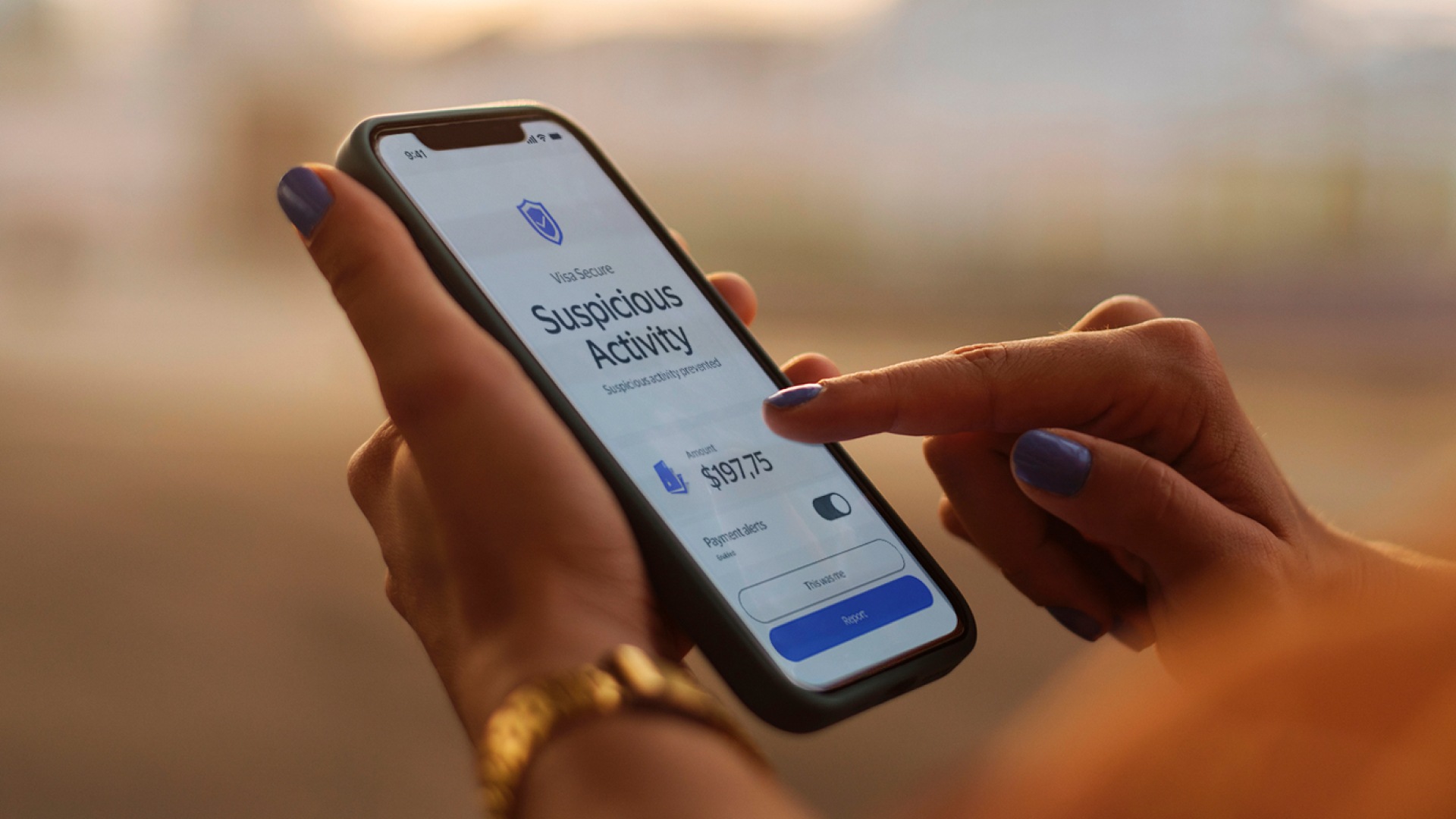
Monitor transactions with Visa Purchase Alerts
Visa Purchase Alerts Monitor transactions with Visa Purchase Alerts
Set up alerts on your Visa account transactions and get near real-time transaction notifications to help you identify possible fraudulent activities as soon as they occur.1
Explore common questions about security and fraud prevention
Explore common questions about security and fraud prevention
Find answers here.
How do I report fraudulent purchases on my Visa card?
If you have identified suspicious charges, immediately report them to your financial institution. It is important to report suspicious transaction in a timely manner. Once an unauthorized transaction is reported, your financial institution will investigate so you can have the issue corrected quickly. With Visa's Zero Liability Policy* you won't be held responsible for unauthorized charges made with your account or account information. You can also report suspicious communications and transactions to the Federal Trade Commission .
*Visa’s Zero Liability Policy does not apply to certain commercial card and anonymous prepaid card transactions or transactions not processed by Visa. Cardholders must use care in protecting their card and notify their issuing financial institution immediately of any unauthorized use. Contact your issuer for more details.
What do I do if my card got stolen?
Visit our Lost or Stolen card page . You can either chat with us or call us, toll-free.
How can I protect my personal information?
Don’t give out personal info in a potentially unsafe setting unless it’s absolutely necessary. With scammers using AI to mimic faces and voices, be careful of any online requests for personal info – even if the message claims to be from a friend or family member. Never give out personal information to anyone over the phone unless you are sure of who you are talking to.
How can I be safe when shopping online?
Stick to trusted and secure websites
Before you browse a website, check for “https” in the URL and a padlock symbol in the browser bar. These signs indicate that the website is secure.
Avoid shopping on public wifi
While using a public wi-fi network, your Internet activity can be monitored by hackers. It may be unsafe to open your financial information online while using public wi-fi. If you are planning to shop or make online payments, it is safer to do so from a secure home network or while using a VPN.
How can I keep my information safe from data breaches?
Up your login data safety
Use unique login credentials for each site and enable multi factor authentication.
Keep your information private
Don’t save credit card information on shopping sites. If you don’t want to keep on entering your information you could consider Visa Checkout for a simple and secure way to pay.
Stay on top of your purchases
Sign up for purchase alerts to monitor for fraudulent activity. Learn about purchase alerts .
Tips for avoiding scams and keeping you safe from fraud
Tips for avoiding scams and keeping you safe from fraud

Visa Secure can provide an additional layer of protection when shopping online
Follow these tips to help keep yourself and your money safe during travel season

Visa’s 10 Habits for good security hygiene to help you shop safely year-round
Visa invests in AI and payment security to block popular scams targeting consumers
Relay fraud is on the rise. Here's what you need to know
Contact us for help
Contact us for help
Have a question or need help doing something with your Visa card? There’s always a way to reach us.
Sources/Footnotes/Disclaimer
1A qualified transaction is any transaction routed through Visa.