
Visa Contactless Payments –
Tap, Pay & Go in Kuwait
Visa Contactless Payments – Tap, Pay & Go in Kuwait
A simple and secure tap is all it takes to pay for the things you need. Visa contactless payments make it secure and convenient.
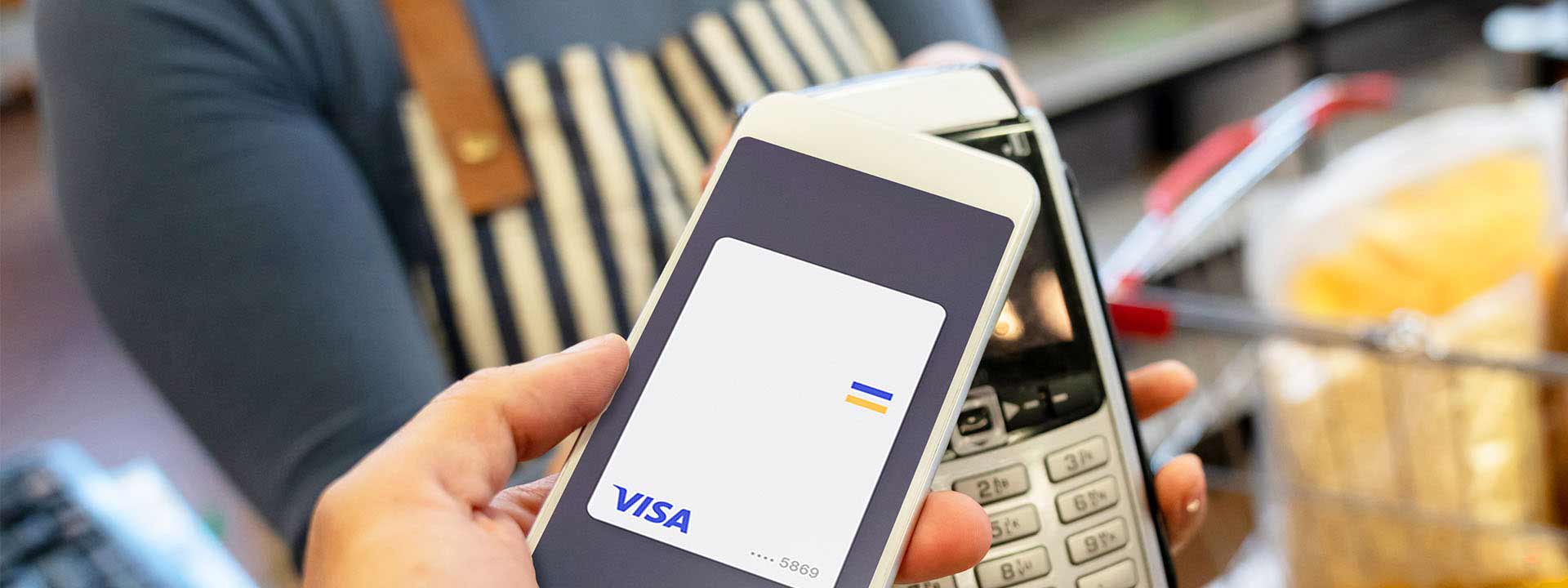
What are contactless payments?
What are contactless payments?
How do I know if my card or device can make contactless payments?
How do I know if my card or device can make contactless payments?
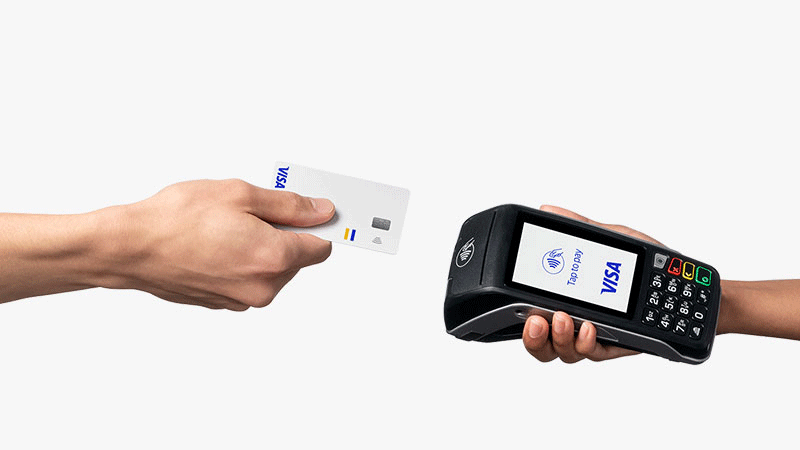
Visa Contactless Cards
If your Visa card features the Contactless Indicator on either the front or back, you can use it to tap to pay where you see the Contactless Symbol at many of your favorite stores.
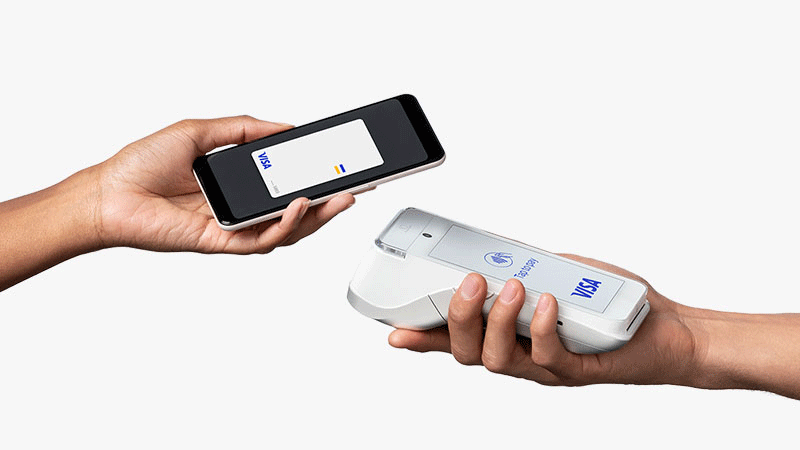
Devices
Don’t have a contactless card? You can still tap to pay by loading an eligible payment card into your payment-enabled phone or wearable device.
How to tap to pay
How to tap to pay
Look
Check for the Contactless Symbol on the store’s checkout terminal.
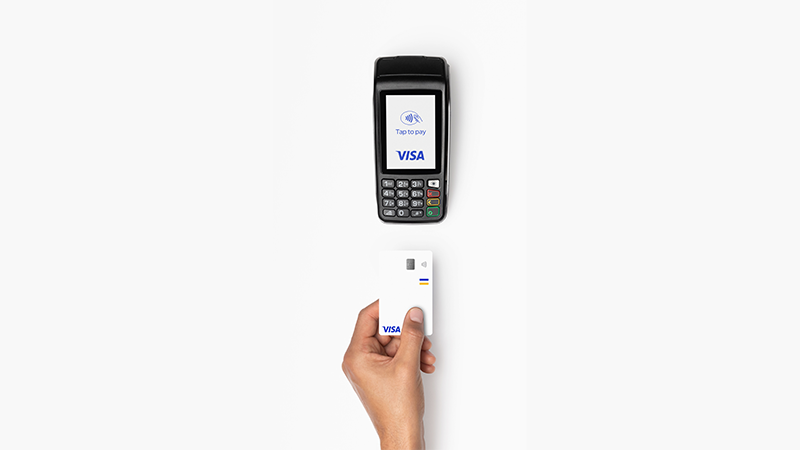
Tap
When prompted, bring your card or mobile/wearable device within a few inches of the Contactless Symbol on the checkout terminal. Depending on the terminal, you may tap on, above, or below the screen.
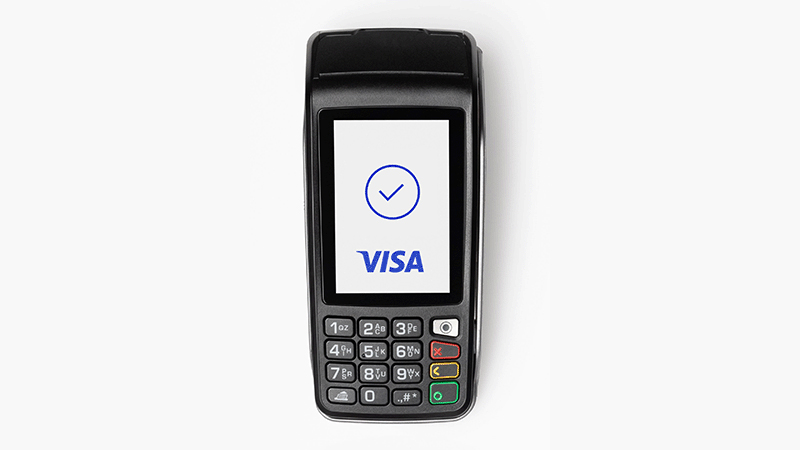
Go
Your payment is securely processed in seconds. Once your payment is confirmed, you’re good to go!
Benefits of Contactless Payments
Benefits of Contactless Payments
Contactless payment security
Contactless payment security
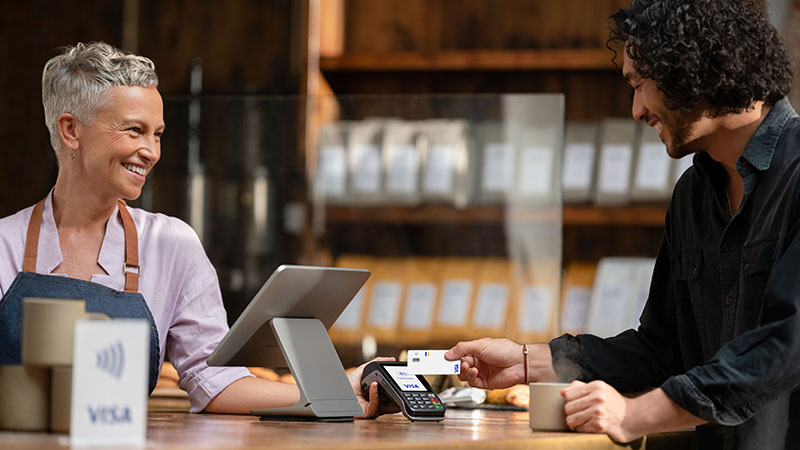
Tapping to pay with your Visa contactless chip card or payment-enabled mobile/wearable device is a secure way to pay because each transaction generates a transaction-specific, one-time code, that is extremely effective in reducing counterfeit fraud.
To make a payment, your contactless chip card or payment-enabled mobile/wearable device must be placed within 2 inches of the Contactless Symbol located on the checkout terminal in order for the transaction to take place (so you can’t pay accidentally).
FAQ
FAQ
What is the technology behind tapping to pay?
Tapping to pay uses short-range wireless technology to make secure payments between a contactless card or payment-enabled device and a contactless-enabled checkout terminal. When you tap your card or device near the Contactless Symbol, your payment is sent for authorization.
What does the
 and
and  mean?The EMVCo Contactless Indicator* indicates acceptance. When featured on a card, it means the card can be used to tap to pay. When featured on a checkout terminal, it means a merchant accepts tapping to pay.
The EMVCo Contactless Symbol* indicates where you tap your contactless card or payment-enabled device on the checkout terminal to make a payment.How do I know if my card or device can make contactless payments?
You'll see the Contactless Indicator on your card. For your phone or other device, please see Apple Pay for Visa, Google Pay for Visa and Samsung Pay for Visa.What does the Wi-Fi-looking symbol on my card mean?
The Wi-Fi-looking symbol on a debit or credit card is the EMVCo Contactless Indicator*. It indicates that your card can be used to tap to pay on a contactless-enabled payment terminal.
What does the RFID-looking symbol on my card mean?
The RFID-looking symbol on a debit or credit card is the EMVCo Contactless Indicator*. It indicates that your card can be used to tap to pay on a contactless-enabled payment terminal.
How close does my card or device need to be to the contactless checkout terminal?
Your card or device just needs to be within 2-5 centimeters of the Contactless Symbol
to initiate a payment.When exactly do I tap to pay?
Once you are prompted to pay (by the cashier, a light on the machine, etc.), simply tap your card or device to the terminal where you see the Contactless Symbol
How long do I need to hold my card or device to the checkout terminal?
You should hold your card or device to the terminal for 1-2 seconds.
Do I actually have to tap my card or device on the checkout terminal?
No, actual tapping is not necessary.
How do I tap my card or device at the checkout terminal?
It works best when your contactless card or device is held flat over the Contactless Symbol
, versus held at an angle.What’s so great about tapping to pay with Visa?
Tapping to pay with a Visa contactless card is safe, easy and secure — perfect for places like fast-food restaurants, grocery stores, coffee shops, vending machines, taxis and more. Tapping to pay is also secure because just like a chip card, each transaction is accompanied by a one-time code. Unlike cash, tapping to pay provides an electronic record of your purchases and gives you all the great functionality and convenience of a Visa card.
How do I get a Visa contactless card?
Contact your bank by calling the number on the back of your card to inquire.
How does this technology compare to Apple Pay?
Contactless payments, including contactless Visa cards, Google Pay and Apple Pay, use the same NFC (Near Field Communication) technology. Samsung Pay, however, works with both NFC technology and MST (Magnetic Secure Transmission) technology, which can be used anywhere you can swipe.
Where can I tap to pay?
You can tap to pay where you see the Contactless Symbol on a checkout terminal. Millions of places around the world accept contactless payments, including fast-food restaurants, coffee shops, grocery stores, retail pharmacies, vending machines, taxis and more.
Can I still swipe or insert my Visa contactless card even if I don’t see the Contactless Symbol at the checkout terminal?
Yes. If you don’t see the Contactless Symbol on the checkout terminal, you can still swipe or insert your contactless card, just like any other Visa card.
Can I use my Visa contactless card or payment-enabled device to tap to pay outside the UAE?
Yes. You can tap to pay at millions of places around the world, wherever you see the Contactless Symbol. If tapping to pay is not available at a location, you can simply swipe or insert your Visa contactless card at checkout.
Is tapping to pay safe?
Yes. Here’s why:
- Just like with a chip card, each transaction generates a one-time code.
- You can’t pay accidentally—your card or device must be within 2-5 centimeters of the terminal for the sale to take place register. And you won’t be billed twice, even if you accidentally tap twice.
- Tapping to pay with your Visa contactless card or payment-enabled device helps you avoid touching surfaces at checkout.
What information is transmitted from my card or device when I tap to pay?
The card or device securely transmits information including the account number, expiration date, and a one-time code that changes for every in-person transaction. The code is different than the code encoded on the magnetic stripe of a Visa card.
I heard people can “skim” information from a contactless card. What does that mean?
Skimming is very unlikely and limited in scope. For every contactless transaction, a transaction-specific code is created. Due to the nature of the code and additional fraud protection processes, it is difficult to use skimmed cardholder information for fraudulent purchases.
Can I unknowingly make a purchase if I am in close proximity to a contactless-enabled payment terminal?
No. The technology behind tapping to pay requires the merchant to initiate the payment. Next, the contactless card or payment-enabled device must be tapped or held within 2-5 centimeters of the contactless-enabled terminal in order for a transaction to take place.
Can I be charged twice if I have more than one contactless card in my wallet?
No. Contactless-enabled checkout terminals will only communicate with one card at a time. If you have more than one contactless card in your wallet, you should tap the individual card you want to use, rather than tap your whole wallet.
What do I do if my Visa card has been lost or stolen?
If your Visa card is lost or stolen, or you believe there has been unauthorized activity on your account, contact your issuing bank immediately. If you don’t have that contact information readily available, contact Visa and we will be able to assist you.